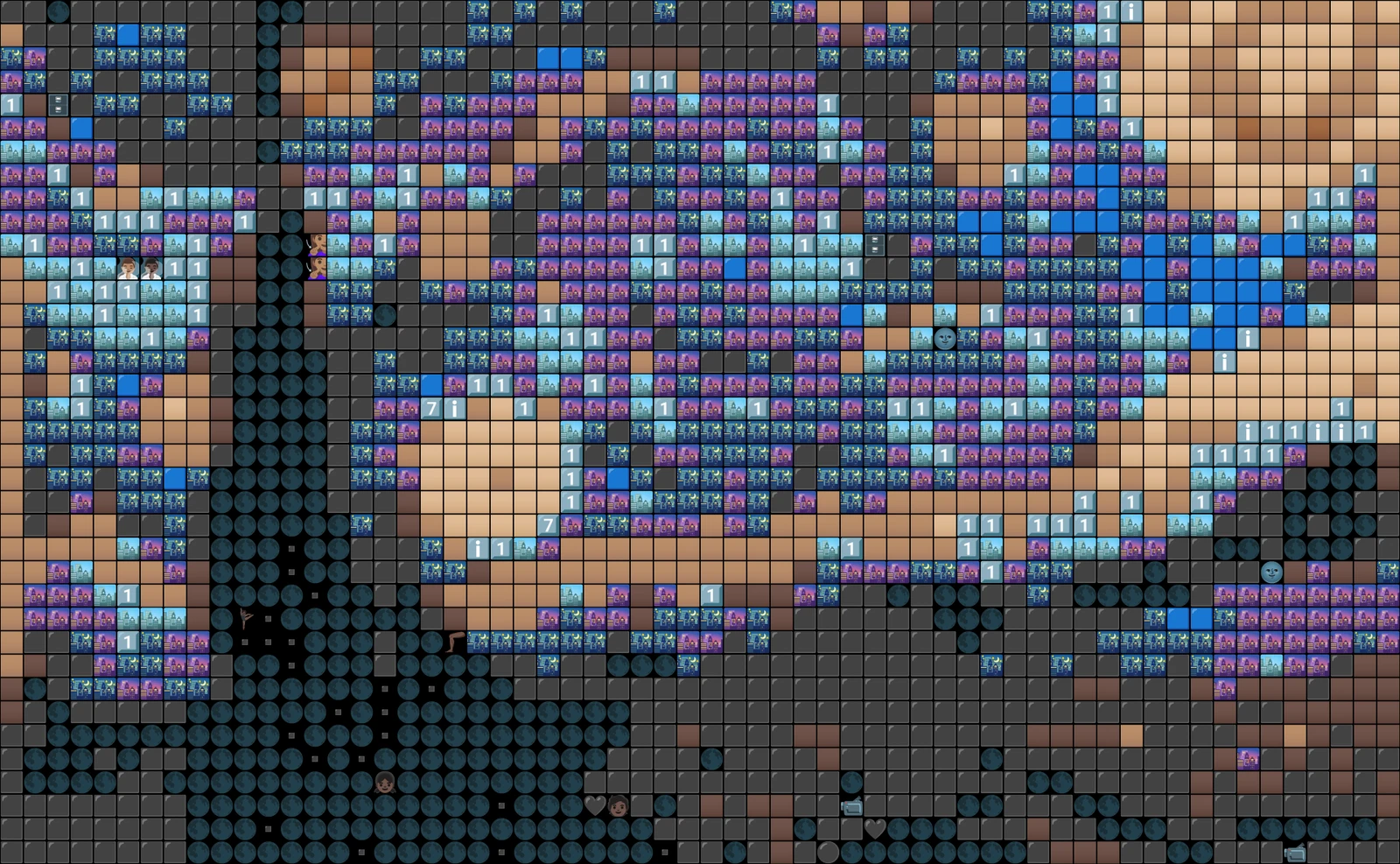
4tile-matching modes
Overview
emogen converts an input image into emoji art by tiling the image into fixed-size blocks and replacing each block with the emoji whose rendered glyph most closely matches it.
Features
- Downsamples the input image to a configurable tile grid (by scale or explicit width/height)
- Matches each 32x32 tile against a library of pre-rendered emoji glyphs
- Four matching metrics: sum of squared error, sum of absolute error, SSIM and CIELAB Delta-E
- Configurable horizontal/vertical padding between tiles and background color for compositing transparent emoji
- Emoji exclusion list to filter out non-visual glyphs (digits, keycap symbols, flags, etc.)
- Outputs the result as emoji text to stdout or to a file
- Works with either Noto or Twemoji emoji tile sets
How it works
The script loads a directory of pre-rendered emoji PNGs (named by their Unicode code point, e.g. emoji_u1f600.png), composites each onto a solid background, and converts them into a NumPy array of 32x32 RGB tiles. The input image is resized to the requested tile grid, and each resulting tile is compared against every emoji tile using the selected metric (SSE, SAE, SSIM or Delta-E) to find the closest match, which is then printed as emoji text.